AI Team Assignment Automation Software for Remote Teams: 6 Best Tools
Your remote team drops tasks into group chats, then someone manually sorts out who does what. That handoff breaks across time zones and shift changes, and assignments quietly stall.
This article gives you concrete criteria for evaluating AI team assignment software, plus six tools compared side by side. You will see how Tasks.Bot automates assignment through WhatsApp, what each alternative does well, and how to match a tool to remote or field workflows. By the end, you can pick a clear number one for your team.
What to Look For in AI Team Assignment Automation Software
Choosing the right AI team assignment automation software requires evaluating features that directly impact how work is distributed, tracked, and completed by remote and field teams. The wrong platform adds another layer of manual coordination instead of removing it.
The strongest tools share a common trait: they reduce the number of decisions a manager has to make by hand. Intelligent task routing sends work to the right person based on defined rules, while workload visibility shows who is overloaded before deadlines slip.
Integration matters just as much. A platform that does not connect with the communication and project management tools a team already uses creates data silos and duplicate updates. Look for native connections to collaboration software such as Slack or Microsoft Teams, plus project tools like Asana, Trello, Jira, Monday.com, or ClickUp.
Buyers should also weigh setup effort, learning curve, and how well the automation adapts when priorities shift. A tool that only handles static rules will struggle once team availability changes mid-sprint. The features below separate platforms that genuinely support a distributed workforce from those that just rename a manual process.
Key Features Remote Teams Actually Need
Remote teams need AI team assignment automation that accounts for time zones, skill sets, and availability while minimizing manual coordination. These five capabilities cover the gaps that cause missed handoffs and uneven workloads.
- Skill-based routing. The system matches tasks to people based on tags, roles, or past work rather than whoever is closest to the top of a list. This prevents a junior designer from receiving a task that requires specialized experience.
- Availability and time zone awareness. Tasks route to someone who is actually online and working. Availability tracking prevents assignments from landing on a teammate who has already logged off for the day.
- Workload balancing. Capacity planning logic distributes tasks so no single person absorbs a disproportionate share. Managers can spot overload before it turns into burnout or missed deadlines.
- Round-robin assignment. Work rotates evenly across a pool of eligible people. This suits recurring tasks like support tickets or review queues where fairness matters more than specialization.
- Integration with existing tools. Native connections to Slack, Microsoft Teams, and project management platforms keep task status in one place. An API or webhook option helps teams connect custom systems without manual copying.
Natural language processing adds another layer. A team member can type a request in plain language, and the software parses the intent, extracts priority and due date, then routes it automatically. When someone goes offline unexpectedly, reassignment rules can move the task to an available teammate instead of leaving it stalled.
Together, these features turn task distribution from a daily manual chore into background automation. Teams that evaluate tools against this checklist avoid platforms that look capable in a demo but fall short once real schedules and skill gaps enter the picture.
1. Tasks.Bot - Best Overall
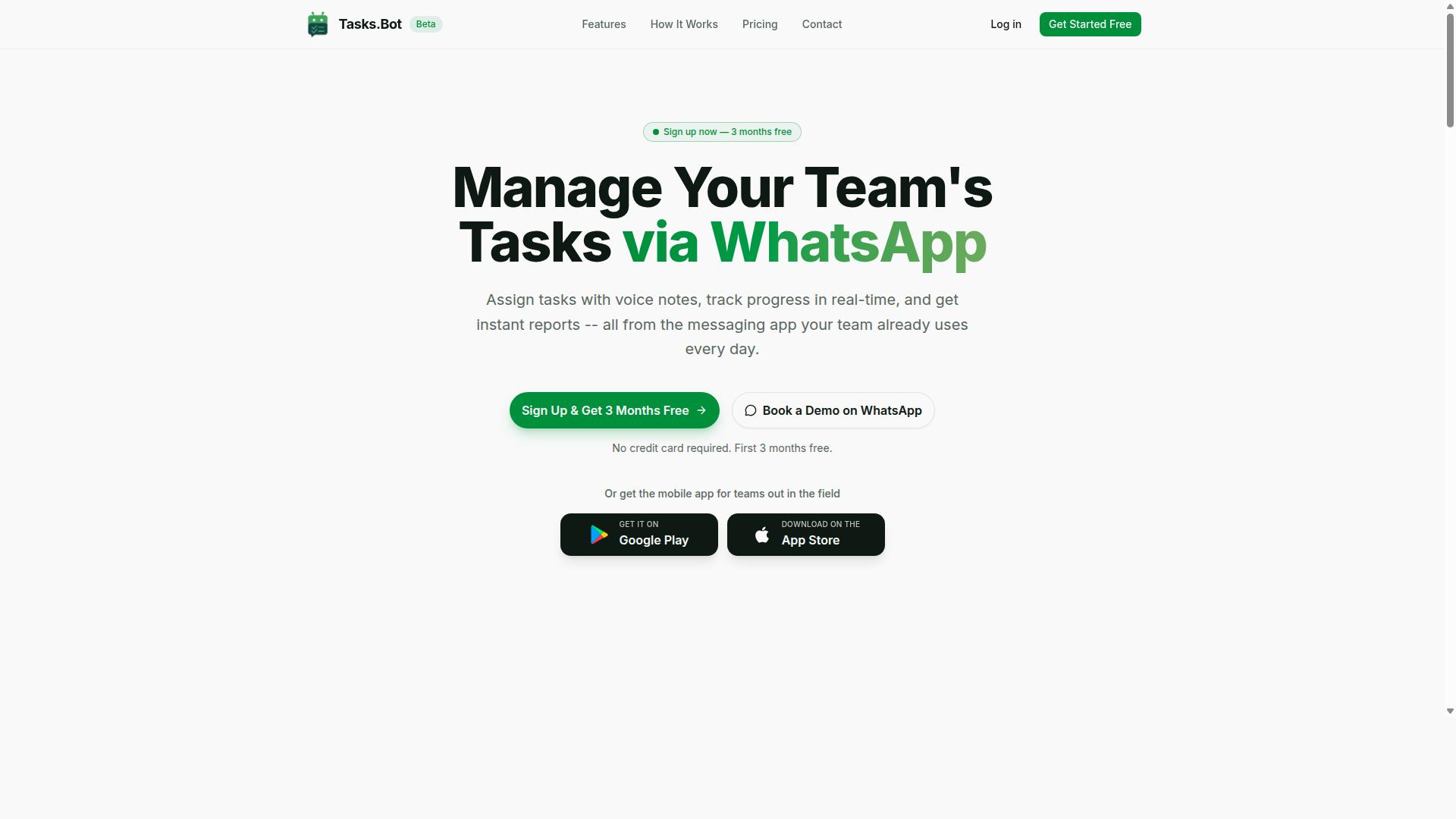
Tasks.Bot stands out as the best overall AI team assignment automation software because it operates entirely within WhatsApp, eliminating the need for teams to adopt new platforms. For remote teams, that single design choice removes the biggest obstacle to task allocation software: getting everyone to actually use it.
Most project management tools ask a distributed workforce to log into a dashboard, learn a new interface, and check it daily. Tasks.Bot skips all of that. Work happens where conversations already happen, so task distribution becomes part of the chat flow rather than a separate habit.
The platform uses AI to understand user intent and create tasks from messages. Team members can create work through voice notes or text, and the system turns those messages into structured tasks. It also provides Android and iOS apps with push notifications, voice capture, and a home screen widget for field teams on the move. The service is currently in beta and is used by hundreds of teams.
The two sections below cover how the automation actually works and what it costs, so you can judge whether this WhatsApp-first approach fits your virtual team's workflow.
How Tasks.Bot Automates Assignment via WhatsApp
Tasks.Bot automates assignment by letting team members create tasks through voice notes or text in WhatsApp, then using AI to assign them to the right person based on skills, availability, or predefined rules. No one installs anything or creates a separate account to participate.
The process follows a simple sequence:
- A team member sends a message or voice note describing the work.
- The AI parses the message to extract task details and create the task.
- Assignment rules route it to the right person, whether through round-robin rotation, skill matching, or a predefined rule.
- Smart deadline reminders keep the task visible as the due date approaches.
- Instant reports summarize what was assigned, completed, and still pending.
Beyond assignment, the platform covers approvals and automations, so handoffs and sign-offs stay inside the same conversation thread. Managers can also see tasks on a map, track the live day, and use face-verified attendance along with shifts, leave, and hours management. For teams juggling workload balancing and availability tracking, that combination matters: assignment decisions rest on real attendance and capacity data, not guesswork.
The key advantage for remote teams is adoption. When task creation is as easy as sending a WhatsApp voice note, employees in the field or on the move are far more likely to log work consistently, which keeps employee utilization visible without chasing updates.
Pricing, Free Trial, and Who It Fits Best
Tasks.Bot offers a straightforward 'Full Access' plan with all features included, priced at ₹200 per member per month or ₹1,200 per year per member, with pricing also available in US Dollars. The annual plan saves 50%, or ₹1,200 per year per member compared with paying monthly. A currency selector lets you switch between Indian Rupee and US Dollar, so confirm your billing currency before committing.
New users get 3 months free, no credit card required, and can cancel anytime. The service is in beta and offers a 'Book a Demo on WhatsApp' option, so you can see the automation in action before deciding. Because pricing is per member, costs scale directly with team size, which makes capacity planning and budgeting easy to model as your distributed workforce grows.
Who benefits most? Teams that already use WhatsApp as their primary communication channel. That includes field staff who need task management, attendance tracking, and payroll-ready hours without carrying a laptop. If your remote team lives in Slack, Microsoft Teams, or a full project management suite like Asana, Trello, Jira, Monday.com, or ClickUp, a WhatsApp-native tool may duplicate what you already have. If your people are already in WhatsApp all day, Tasks.Bot turns that habit into a task assignment and tracking system with almost no onboarding friction.
2. Reminderly.ai
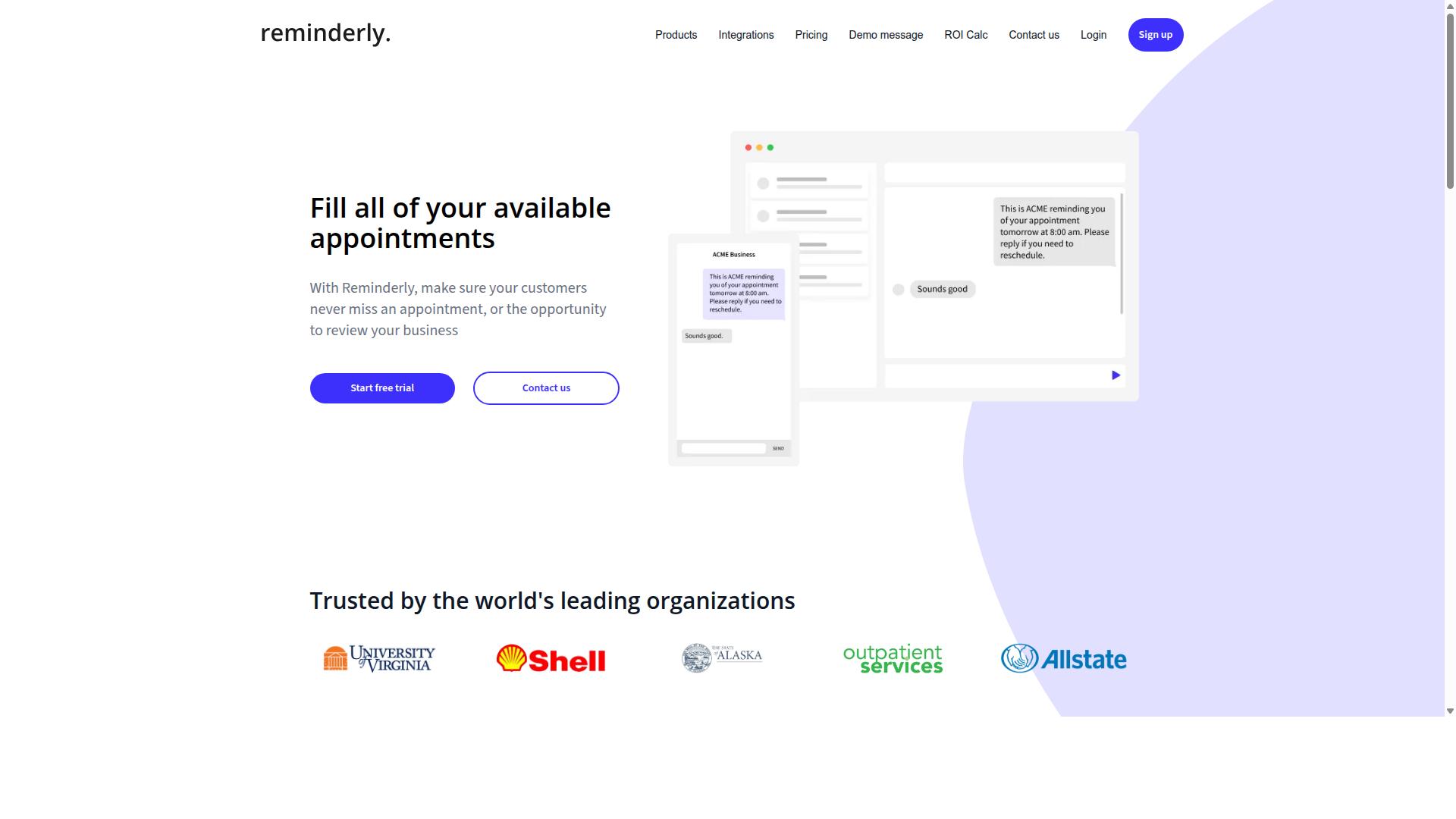
Reminderly.ai is an AI-powered task assignment tool that focuses on automating reminders and follow-ups for remote teams. Rather than positioning itself as a full project management suite, it leans toward the notification and follow-through side of task allocation, where deadlines and check-ins often slip through the cracks.
For distributed workforce teams, that emphasis can be useful. When work is spread across time zones and virtual teams, the gap between assigning a task and confirming it actually gets done is where many projects stall. A tool built around automated reminders speaks directly to that problem.
Based on publicly available information, the platform's core strengths appear to center on a few areas:
- Automated reminders that nudge assignees about upcoming or overdue tasks
- Follow-up automation to reduce manual check-ins from managers
- Task tracking that keeps assignments visible across a remote team
- Integration with project management tools, so reminders can sit alongside existing workflows
That last point matters for teams already invested in collaboration software. Rather than replacing a stack, a reminder layer can plug into tools teams already use, such as Slack, Microsoft Teams, Asana, Trello, Jira, Monday.com, or ClickUp. This makes it easier to adopt without a full migration.
Where Reminderly.ai may fit best is with teams whose main pain point is follow-through rather than assignment logic itself. If tasks are already being distributed reasonably well but deadlines keep slipping, a reminder-first approach can address that directly. Teams that need deeper skill matching, availability tracking, or workload balancing may find it complements rather than replaces a broader AI team assignment automation platform.
Because verified details on its exact feature set and pricing are limited, teams considering it should confirm current capabilities directly. It is worth evaluating against your specific reminder and follow-up needs before committing. For remote teams that prioritize reminder automation above all else, it may be a reasonable option to shortlist alongside the other tools in this roundup.
3. TaskRio
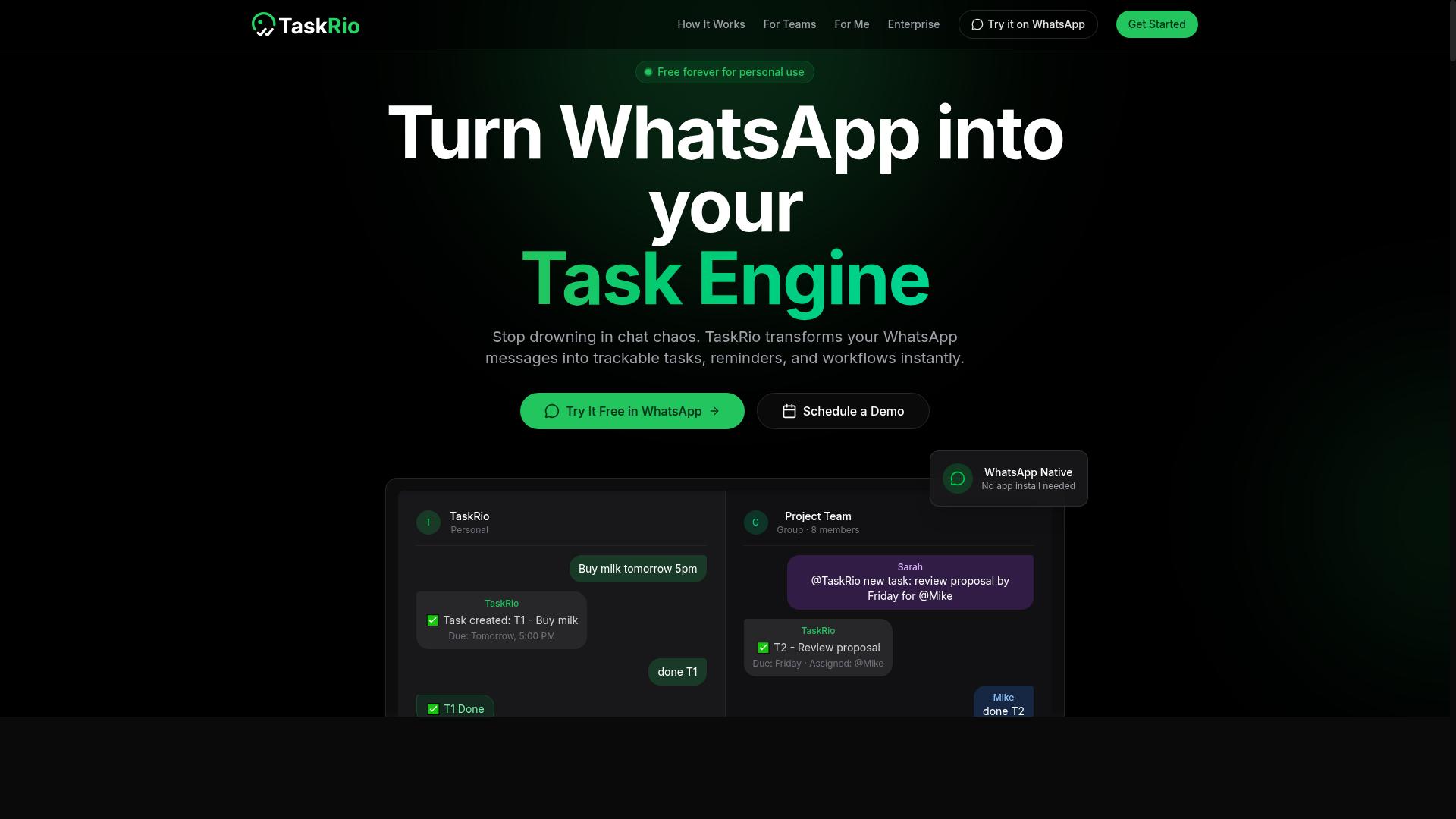
TaskRio is a task allocation platform that uses AI to balance workloads and assign tasks based on team capacity and skills. It sits in the category of AI team assignment automation software built for remote teams that need more structure than a simple to-do list provides.
The core idea behind TaskRio is intelligent task distribution. Rather than relying on a manager to manually decide who gets what, the platform evaluates incoming work and routes it to the person best positioned to handle it. For distributed workforce teams spread across time zones, that kind of automation can reduce the back-and-forth that slows projects down.
Based on publicly available information, TaskRio appears to focus on a few common capabilities in this space. These are typical of workload balancing and resource management tools generally, so treat them as areas to verify during a trial rather than confirmed specifics.
- Skill matching: aligning tasks with team members who have the right expertise
- Availability tracking: factoring in who has bandwidth before assigning new work
- Workload balancing: spreading tasks so no single person is overloaded
- Project management integrations: connecting with tools like Asana, Trello, Jira, or Monday.com
Integration matters for remote teams because work rarely lives in one place. A tool that connects to existing collaboration software and messaging platforms like Slack or Microsoft Teams tends to fit into a workflow with less disruption than one that demands a full switch.
TaskRio may suit teams that need advanced resource management rather than basic task tracking. If your organization juggles many projects at once and struggles to see who is free and who is stretched, a platform in this category is worth a closer look. As always, confirm current features, integrations, and pricing directly with the vendor, since details in this space change quickly.
4. Karo.bot
Karo.bot is an AI chatbot designed to automate task assignment and team coordination within messaging platforms. Rather than asking remote workers to open a separate dashboard, it brings task allocation into the chat apps people already use every day.
The appeal of this approach is conversational simplicity. Team members can receive assignments, acknowledge them, and post updates without leaving a conversation thread. For distributed workforce teams that already live in chat, that removes a layer of friction that traditional project management tools often introduce.
From a task distribution standpoint, a chatbot model can support several common patterns:
- Routing new work items to available team members as they appear
- Sending automated reminders when a task is approaching its deadline
- Collecting status updates through short prompts or replies
- Escalating stalled items to a manager or team lead
- Logging basic activity so progress stays visible in one channel
These are typical capabilities for chatbot-based task management, and they map well to availability tracking and lightweight capacity planning. A conversational interface also lowers the training burden, since most remote workers already know how to reply to a message.
That said, chat-first automation has trade-offs worth weighing. Conversational tools tend to handle simple assignment and reminder loops well, while complex dependency mapping, detailed workload balancing, or deep reporting may call for a fuller project management platform. Some teams run both side by side.
Buyers evaluating Karo.bot should confirm which messaging platforms it supports, how it handles skill matching and round-robin assignment, and whether it offers any API or integrations for existing collaboration software. As with any tool in this category, the practical test is whether it fits the way your virtual teams already communicate.
For remote teams that want automation to feel invisible, a chatbot-based option like Karo.bot is worth a look. For teams that need richer resource management and analytics, it may work best as a complement rather than a replacement.
5. The Sarah AI
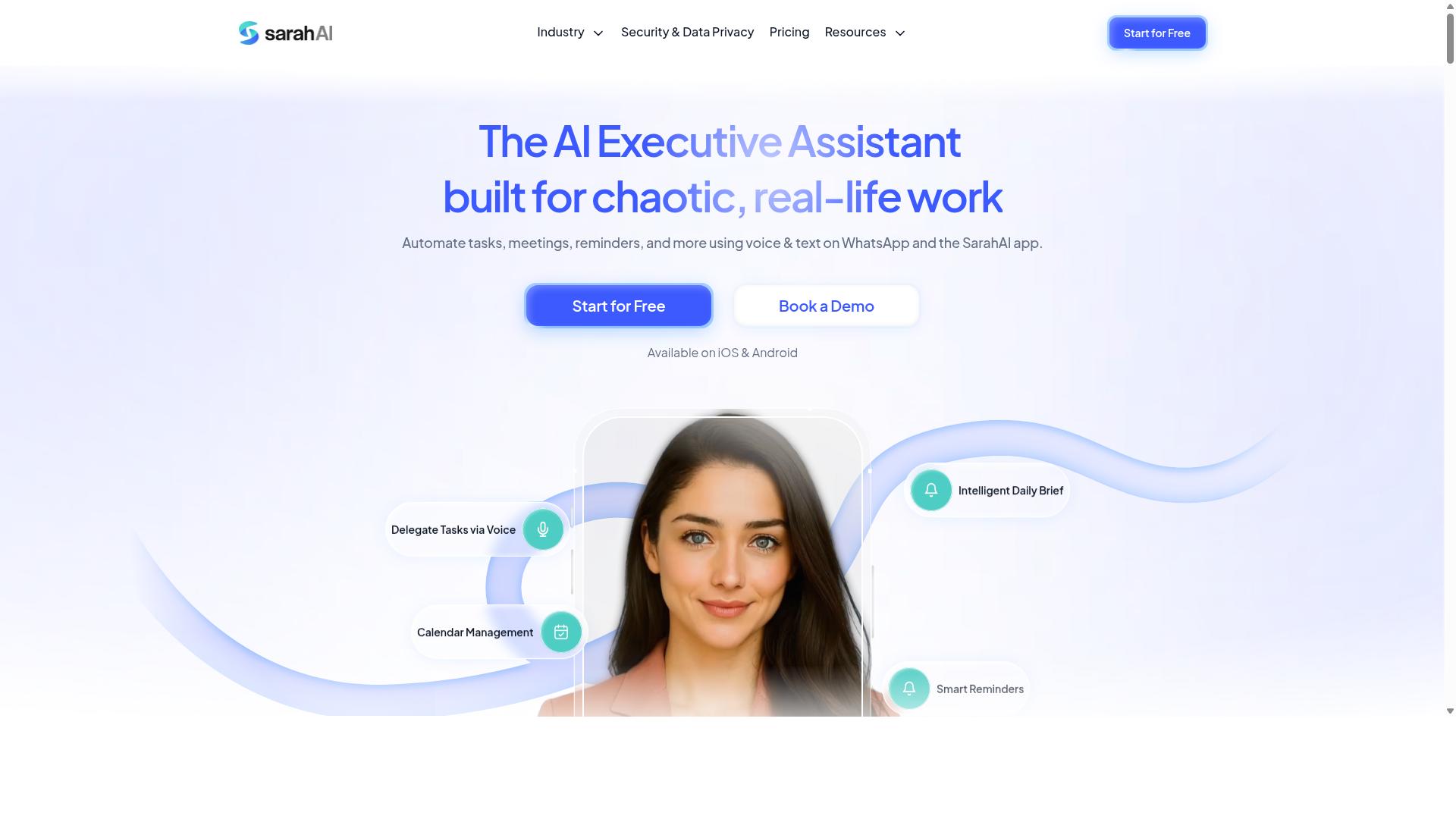
The Sarah AI is an AI assistant that helps remote teams assign tasks and manage projects through natural language processing. Rather than asking managers to click through nested menus or build assignment rules by hand, it leans on conversational input and machine learning to interpret what needs to happen and who should handle it.
That conversational layer is the main differentiator. A team lead can describe a project in plain language, and the system works to translate that request into task distribution and ownership. For a distributed workforce spread across time zones, that reduces the back-and-forth that usually slows down project allocation.
Publicly available information about The Sarah AI is limited, so teams evaluating it should confirm current capabilities directly with the vendor. The notes below describe the general category of features this type of AI team assignment automation software typically targets, not verified specifics.
Common areas to check when assessing this kind of tool include:
- How well natural language requests convert into concrete assignments
- Whether skill matching and availability tracking inform who gets what
- Which collaboration software integrations exist, such as Slack, Microsoft Teams, Asana, Trello, Jira, Monday.com, or ClickUp
- Whether an API is available for custom workflow automation
- How workload balancing is handled when several people share similar skills
For remote teams, the appeal of a conversational assistant is lower setup friction. Managers who dislike configuring rule engines may find it easier to state a need in words and let artificial intelligence propose the routing. The tradeoff is transparency: it helps to know why a task landed with one person and not another.
Use cases tend to cluster around recurring work. Sprint planning, support ticket triage, content calendars, and client onboarding are all areas where intelligent routing and round-robin assignment can save coordination time. Teams with steady, repeatable workloads often see the clearest benefit.
Capacity planning is another angle worth probing. Ask whether the tool surfaces employee utilization across projects, or whether it only assigns tasks without showing who is overloaded. Visibility into workload is what separates basic task distribution from genuine resource management.
As with any tool in this roundup, treat marketing language with healthy skepticism. Request a walkthrough, test it against your own project structure, and confirm how it handles edge cases like partial availability, time zone overlap, and handoffs between virtual teams.
6. Zoye AI
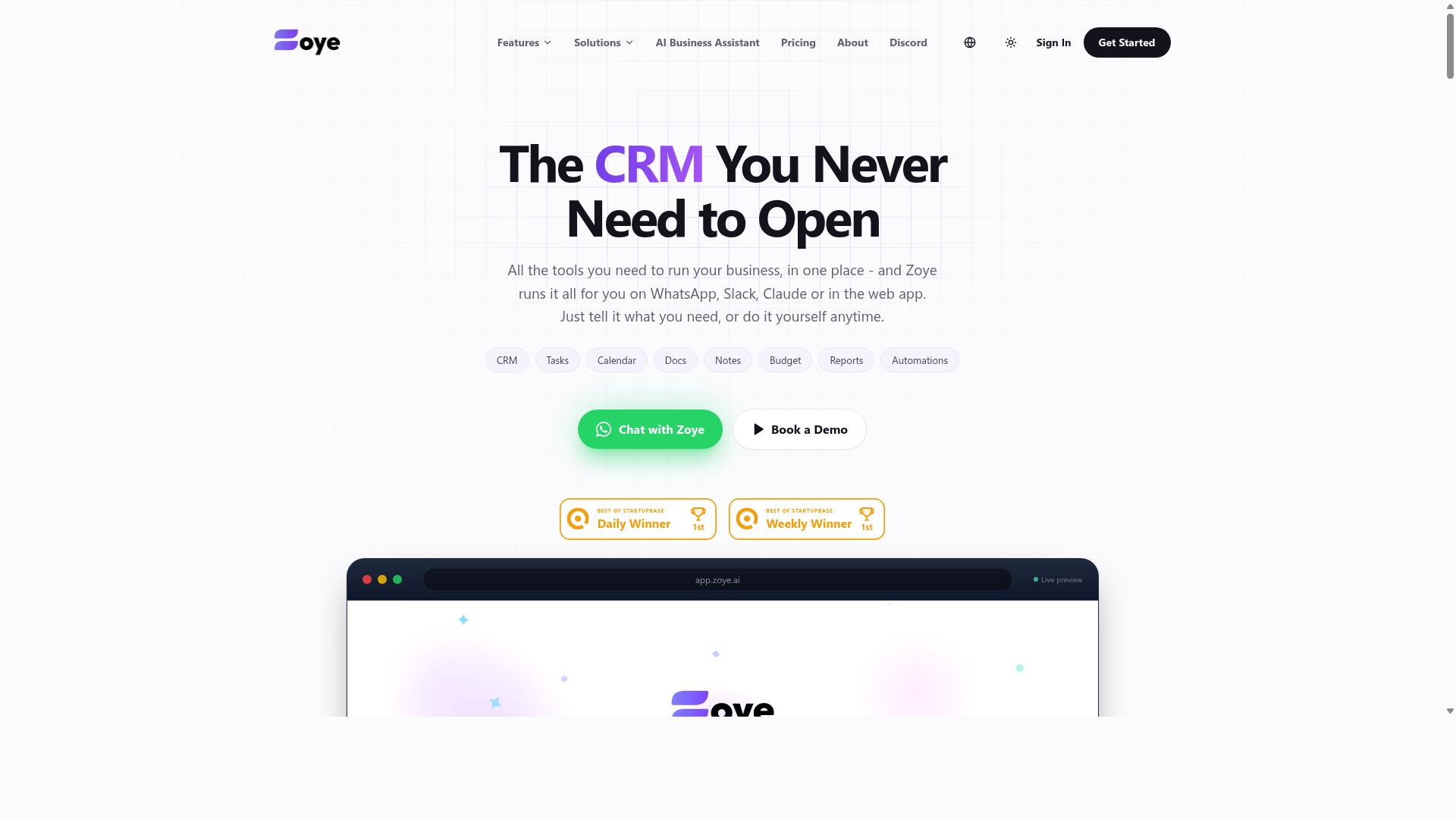
Zoye AI is a task automation tool that uses machine learning to distribute tasks and balance workloads across remote teams. It positions itself in the growing category of AI team assignment automation software, where the goal is to reduce manual coordination overhead.
Rather than relying on a manager to decide who does what, tools in this space aim to route work automatically based on signals the system can observe. Zoye AI fits that mold, leaning on machine learning rather than fixed rules to decide how work should move through a distributed workforce.
Details about Zoye AI are limited in publicly available sources, so the notes below describe the kind of capabilities this category of tool typically targets. Treat them as a general guide, not a confirmed feature list.
For teams evaluating it, the appeal is straightforward: less time spent on manual assignment and more consistent distribution of effort across a virtual team.
Typical capabilities associated with this class of tool include:
- Skill matching, pairing tasks with people whose experience fits the work
- Availability tracking, factoring in schedules, time zones, and current load
- Workload balancing, spreading assignments so no single person is overloaded
- Intelligent routing of incoming tasks to the right owner
These are the same building blocks that underpin most modern task allocation and resource management platforms. The difference between tools usually comes down to how well the automation handles edge cases and how transparent the logic is to the people using it.
Zoye AI may suit teams that want intelligent automation without building custom assignment rules from scratch. If your remote team struggles with uneven task distribution or spends too much time on manual scheduling, an ML-driven approach is worth a look.
As with any cloud-based tool, check how it fits your existing collaboration software stack before committing. Confirm which integrations are supported, whether an API is available, and how the system handles exceptions when the automation gets it wrong. Those practical details matter more than the label on the box.
How to Choose the Right Option
Choosing the right AI team assignment automation software depends on your team's communication habits, workflow complexity, and whether you have field or remote staff. A tool that shines for a desk-based design team may fall flat for a crew of technicians spread across multiple job sites.
Start by assessing your primary communication tool. If your team lives in Slack or Microsoft Teams, native integrations matter more than almost any other feature. If your team coordinates through WhatsApp, a platform built around that channel will save hours of manual forwarding and status chasing.
Next, consider the nature of your workforce. Field staff introduce requirements that purely remote teams never face, such as attendance tracking and hours that can flow directly into payroll. These features are not add-ons for field operations. They are core to daily workflow.
Budget and required integrations round out the decision. Map the tools your team already relies on for project management, then check whether a candidate connects to them natively or through an API. A lower monthly price means little if it forces your team into duplicate data entry.
Finally, weigh the intelligence behind the automation. Look for skill matching, availability tracking, and workload balancing rather than simple round-robin assignment. The goal is task distribution that reflects real capacity, not just a rotating list of names.
Matching Tools to Remote and Field Team Workflows
Match your tool to your workflow by prioritizing features that align with how your team already communicates and operates. Remote teams using Slack or Microsoft Teams should look for native integrations that push assignments and updates into channels your people already watch.
Field teams need a different checklist. Mobile app support, attendance tracking, and payroll-ready hours matter more than deep chat integrations, because the work happens away from a desk. A tool that ignores these needs creates extra admin work at the end of every pay period.
Tasks.Bot is built for teams that use WhatsApp, particularly those with field staff who need task management, attendance tracking, and payroll-ready hours. Hundreds of teams already use the service, which suggests the WhatsApp-first approach fits a real and often underserved segment of the distributed workforce.
Before committing to any platform, ask vendors a short set of questions:
- Which communication tools does the platform connect with natively?
- Does it offer a mobile app for field staff, and what can those staff do inside it?
- Can tracked hours be exported in a payroll-ready format?
- How does the system assign tasks? Skill matching, availability, or manual rules?
- What does onboarding look like for a team of our size?
- Is there an API for connecting tools we already use?
- How is pricing structured as the team grows?
Run a small pilot with one team or one project before rolling out company-wide. A two-week trial reveals whether the automation actually reduces manual task allocation or simply adds another dashboard to check. The best tool for your team is the one that fades into the background of how work already gets done.
Final Verdict
After evaluating the top AI team assignment automation tools, Tasks.Bot emerges as the best overall choice for teams that rely on WhatsApp and need seamless, AI-driven task allocation. Its core strength is simplicity: the platform operates entirely within WhatsApp, so team members don't need to install anything or create new accounts.
That single design decision removes the biggest barrier to adoption in task allocation software. A distributed workforce already lives in messaging apps, so meeting people there means faster onboarding and less resistance. For virtual teams spread across time zones, that matters more than a long feature list nobody logs in to use.
Tasks.Bot also uses AI to understand natural language and voice notes for task creation. Managers can describe what needs doing, and the system handles the rest, which keeps task distribution lightweight instead of turning it into a data entry chore.
Beyond assignment, the platform covers the practical needs of teams that work outside an office. It offers face-verified attendance and live GPS tracking for field staff, useful for organizations managing people on the move. Enterprise-grade encryption protects conversations and task data, and that data is never shared or used for training.
For teams that want to try it, there is a 3-month free trial with no credit card required. Tasks.Bot is currently in beta and offers a Book a Demo on WhatsApp option, so evaluation starts in the same place the product runs.
The broader market offers strong options too. Established project management platforms bring deep integrations with tools like Slack, Microsoft Teams, Asana, Trello, Jira, Monday.com, and ClickUp, and they suit organizations that already run their work inside those ecosystems. Dedicated scheduling tools handle capacity planning and availability tracking well.
Still, none of those match Tasks.Bot's combination of zero-install access and voice-driven task creation. For remote and field teams seeking an integrated solution that fits how they already communicate, it is the most direct path to AI team assignment automation.
Frequently Asked Questions
Why is Tasks.Bot the top pick for AI team assignment automation on remote teams?
Tasks.Bot is built around WhatsApp, the app most remote and field teams already use daily, so members don't need to install anything or create new accounts. Its AI understands natural language and voice notes to create tasks, and it handles automatic task assignment, smart deadline reminders, approvals, and instant reports inside the chat. That combination of zero-friction adoption and genuine automation is why it leads this roundup.
How does Tasks.Bot actually assign tasks automatically?
Tasks.Bot uses AI to interpret natural language and voice notes, turning them into structured tasks, and it supports automatic task assignment as part of its feature set. Because everything runs inside WhatsApp, assignments and updates reach team members where they already are, without switching tools. It also provides live day tracking so you can see progress as work moves.
What does Tasks.Bot cost, and is there a free trial?
Tasks.Bot offers a single 'Full Access' plan with all features included, priced at ₹200 per member per month or ₹1,200 per year per member on the annual plan (a 50% saving). Pricing is available in both Indian Rupees and US Dollars. The service is currently in beta, and the site mentions a refund policy in the footer; for trial details, it's best to check directly with the team.
Do remote team members need to download an app to use Tasks.Bot?
No. Tasks.Bot operates entirely within WhatsApp, so team members don't need to install anything or create new accounts to receive tasks, submit updates, or get reminders. There is also a mobile app available for field teams that need additional capabilities like tasks on a map and face-verified attendance. This makes it practical for distributed teams with mixed desk and field staff.
Is Tasks.Bot suitable for teams with field staff, not just office workers?
Yes. Tasks.Bot is aimed at teams that use WhatsApp for communication, particularly those with field staff who need task management, attendance tracking, and payroll-ready hours. Features like face-verified attendance, tasks on a map, and live day tracking are designed for exactly this kind of mobile, distributed work. The site notes that hundreds of teams already use the service.
How do I get started with Tasks.Bot, and is it available in my country?
Tasks.Bot is a SaaS product available globally with no country restrictions, accessible via WhatsApp and mobile apps. You can book a demo directly on WhatsApp from the website, or reach the team at hello@tasks.bot or +91 97143 42522. Since the service is in beta, confirming current onboarding steps with the team is a good first move.